DNS Lookup
A, AAAA, CNAME, NS, TXT, PTR, CAA, SOA, and DNSSEC evidence. Inspect records and compare results for multiple targets.
 Robin Suite
Robin Tools / Diagnostics
A self-hosted workspace for DNS and email diagnostics. Inside Robin Admin—or entirely on its own.
Check mail authentication, investigate reputation, inspect message evidence, and test mail services. Keep useful results together instead of jumping between disconnected utilities.

The Diagnostic Toolkit
Focused workspaces show the result and the evidence behind it. Hosted mode groups them in Admin's navigation; each workspace provides its own focused checks.
A, AAAA, CNAME, NS, TXT, PTR, CAA, SOA, and DNSSEC evidence. Inspect records and compare results for multiple targets.
MX, SPF, DMARC, DKIM, MTA-STS, TLS-RPT, DANE, BIMI, forward-confirmed reverse DNS, and mail-service SRV checks.
Check IP and domain reputation against configured RBL and DBL providers. Read provider-by-provider evidence instead of relying on a single unexplained score.
Inspect addresses, domains, headers, and raw email. Extract relevant domains, IPs, and DKIM selectors to investigate the diagnostic evidence.
Probe mail-service ports and inspect connectivity and TLS results. Certificate trust and hostname failures are reported as failed checks.
Text, transport encodings, hashes, JWT, and timestamp utilities. Transform input stays in your browser—it is not sent to the server or saved.
Diagnostic check history is stored server-side and scoped to the operator. That is separate from browser-local transforms. Network diagnostics still need connectivity to the services they query.
A Closer Look
These existing product captures show representative diagnostic workspaces; the current navigation groups them into DNS Lookup, Mail Posture, Reputation, Mail Tests, and Transforms.
Open Tools from Robin Admin and run diagnostics in the same administrative workspace. This capture shows a real public DNS lookup for robinmta.com in the local suite, using a fictional demo operator identity.
See the Admin UI Tour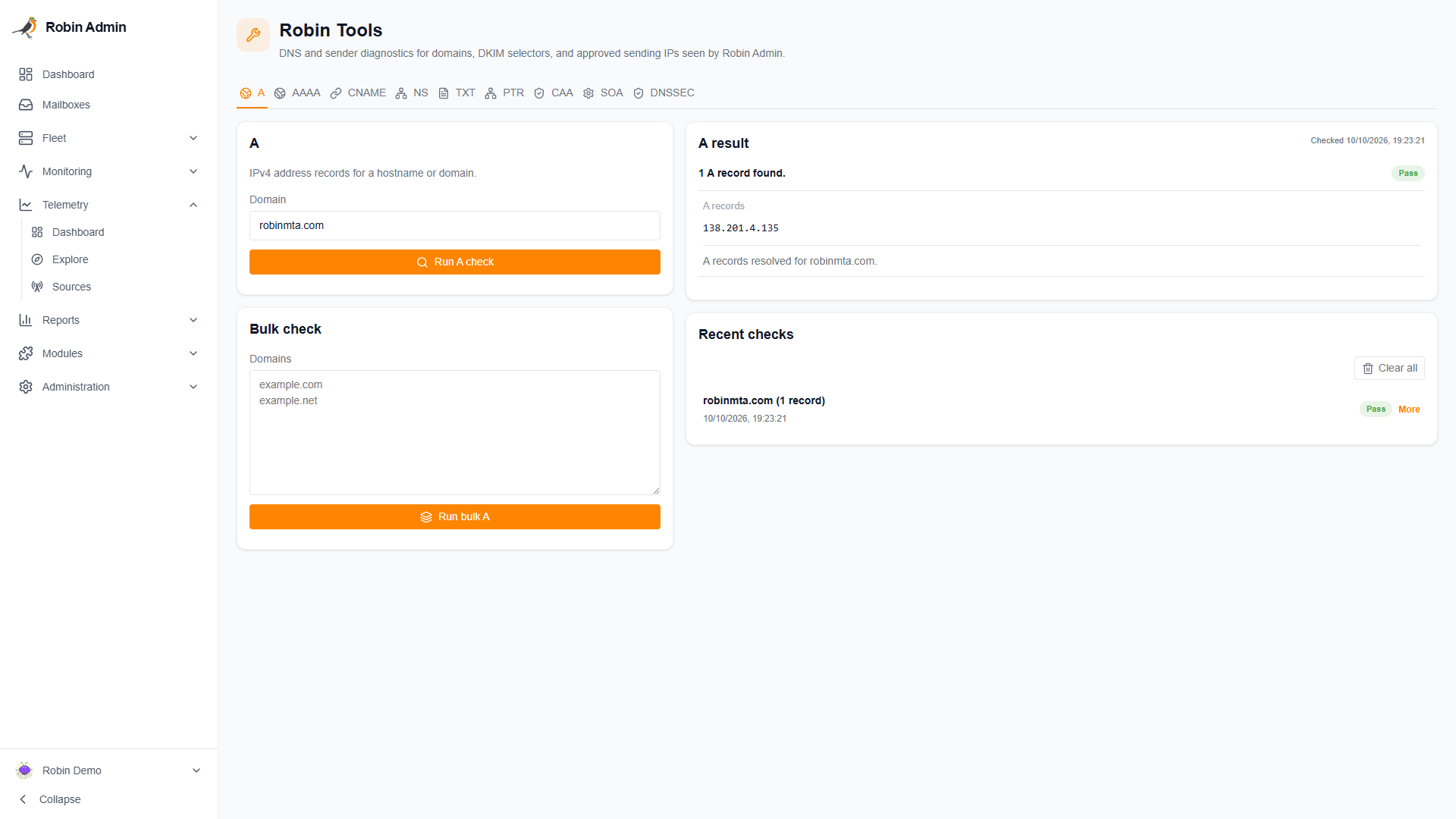
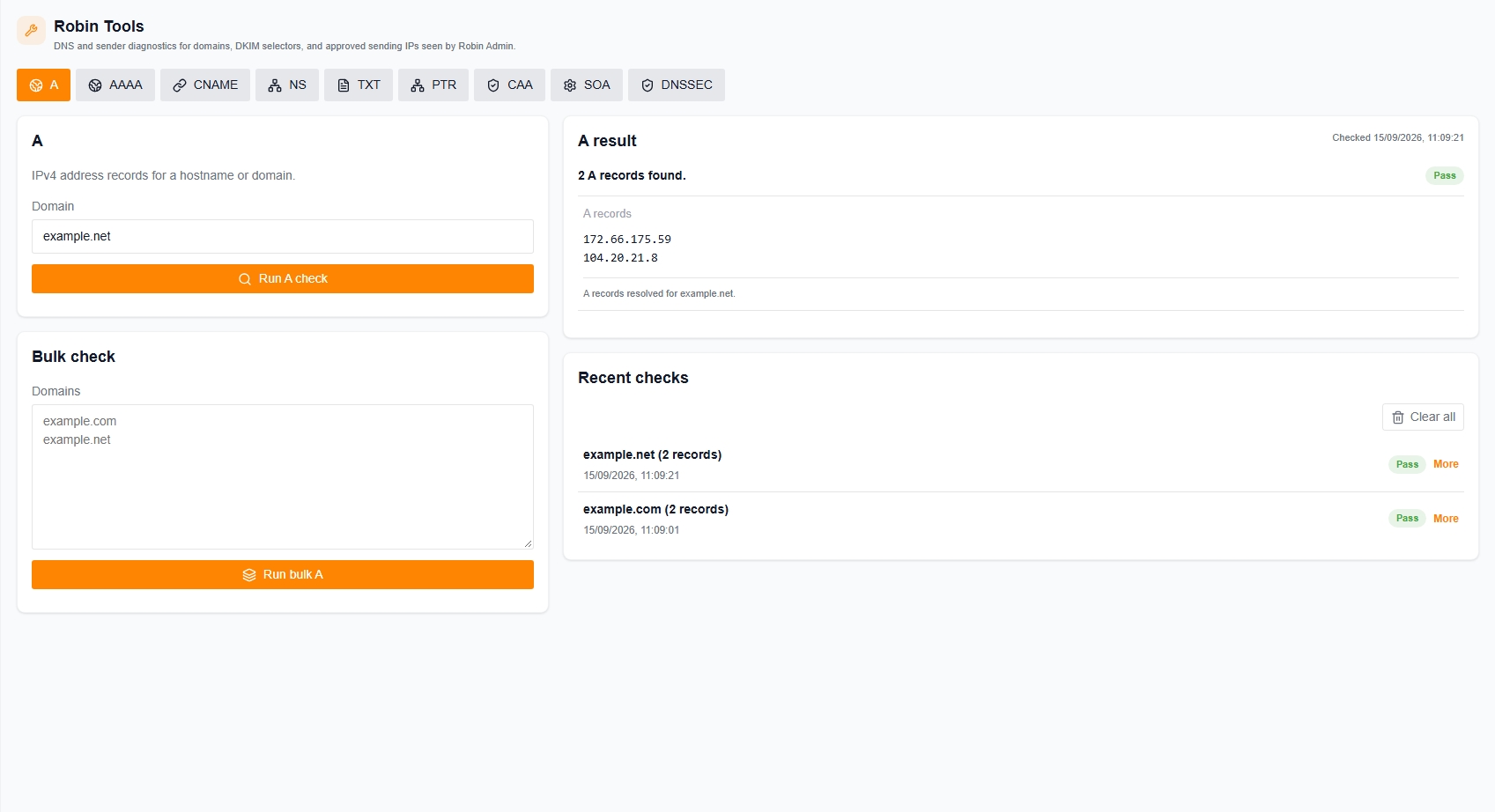
Inspect record values and recent checks. Move beyond “DNS looks wrong” to the exact record that needs attention.
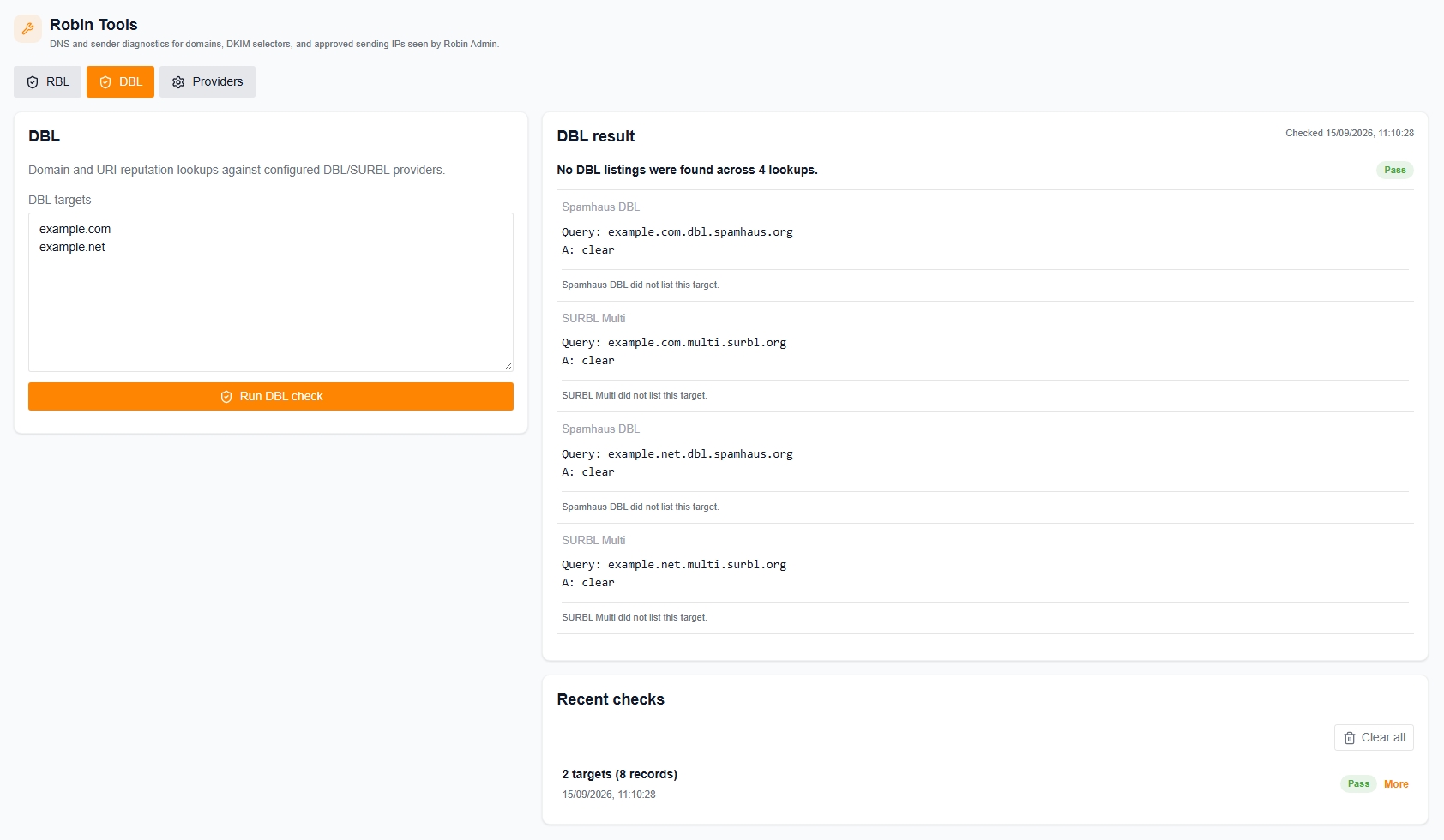
See which providers were checked and what each returned. Choose the provider set for your environment and investigate each response.
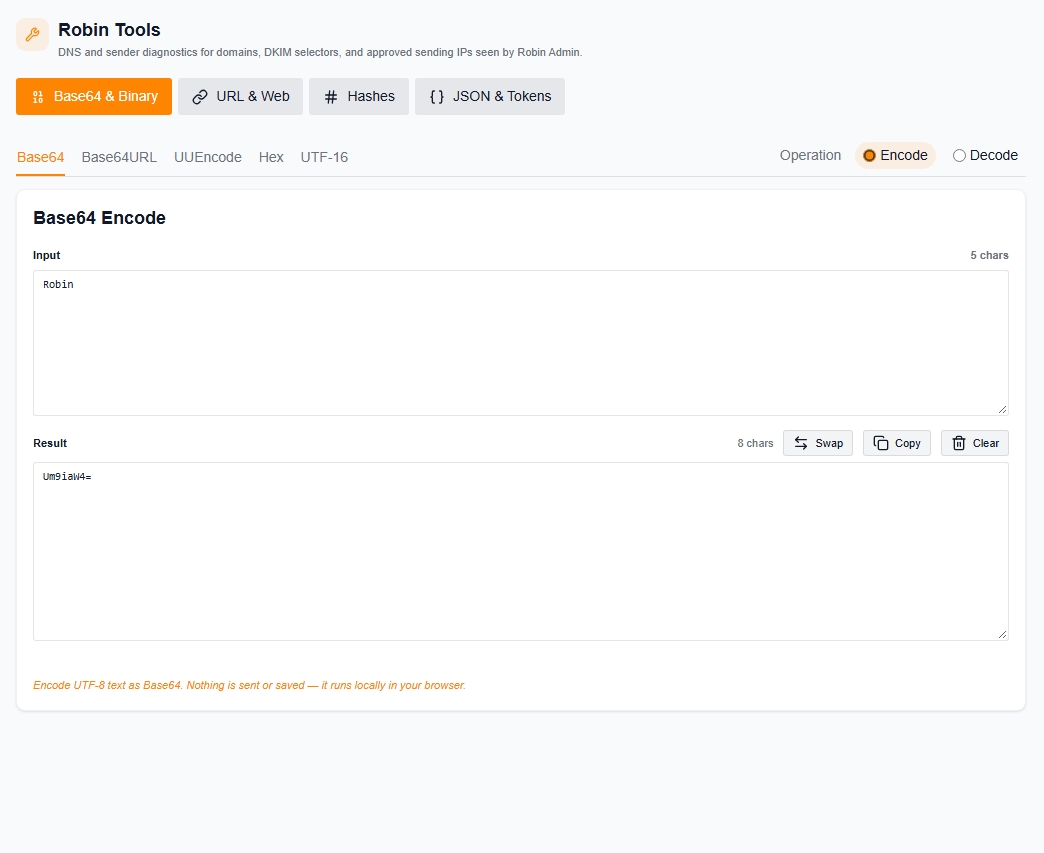
Decode, encode, hash, and inspect text without a server round trip. Useful alongside your mail investigations—or simply as a collection of everyday utilities.
Two Ways to Run It
The same diagnostic toolkit, with the deployment and authentication model that fits your workflow.
Deploy Tools separately on the suite network. Robin Admin provides the navigation, authenticates requests, and supplies operator identity and access context.
docker compose up -d --buildRun Tools without Robin Admin. The standalone deployment serves its own frontend and API, uses a private PostgreSQL database, and has independent authentication.
docker compose -f docker-compose.standalone.yaml --env-file .env.standalone up -d --buildThe deployment guides cover hosted integration, standalone authentication, database setup, and diagnostic network access.
Need Protocol-Level Testing?
Robin Tools provides interactive diagnostics. Robin MTA's programmable SMTP client and JSON test engine reproduce protocol behavior and assert on logs, IMAP, APIs, MIME, and TLS.